
Building out my Home Lab
Building My Home Lab NAS: An Introduction
Welcome! This blog series is my attempt to document and share everything I’ve learned—both the successes and pitfalls—while building out my own home NAS and home lab platform while I've been recovering from chemo and transplant woes. If you’ve ever thought about taking control of your own storage, running your own services, or simply want to understand the world of homelabbing, this is for you!
What’s a Home Lab, and Why Bother?
A home lab is a personal playground for tech enthusiasts, tinkerers, and professionals who want more control over their digital lives. It might start with a simple network-attached storage (NAS) device to hold backups and media, but it can quickly grow into an ecosystem running automation, smart home integrations, private servers, and even custom services.
For me, the journey started when I realized cloud storage was missing the flexibility and privacy I wanted for media, backups, and experiments. A local NAS lets me own my data, run whatever I want, and learn in the process.
What This Series Will Cover
This series will walk step-by-step through the build and setup of my home NAS and supporting services:
- Planning and Choosing Hardware: How I selected my case, motherboard, drives, and what influenced those decisions.
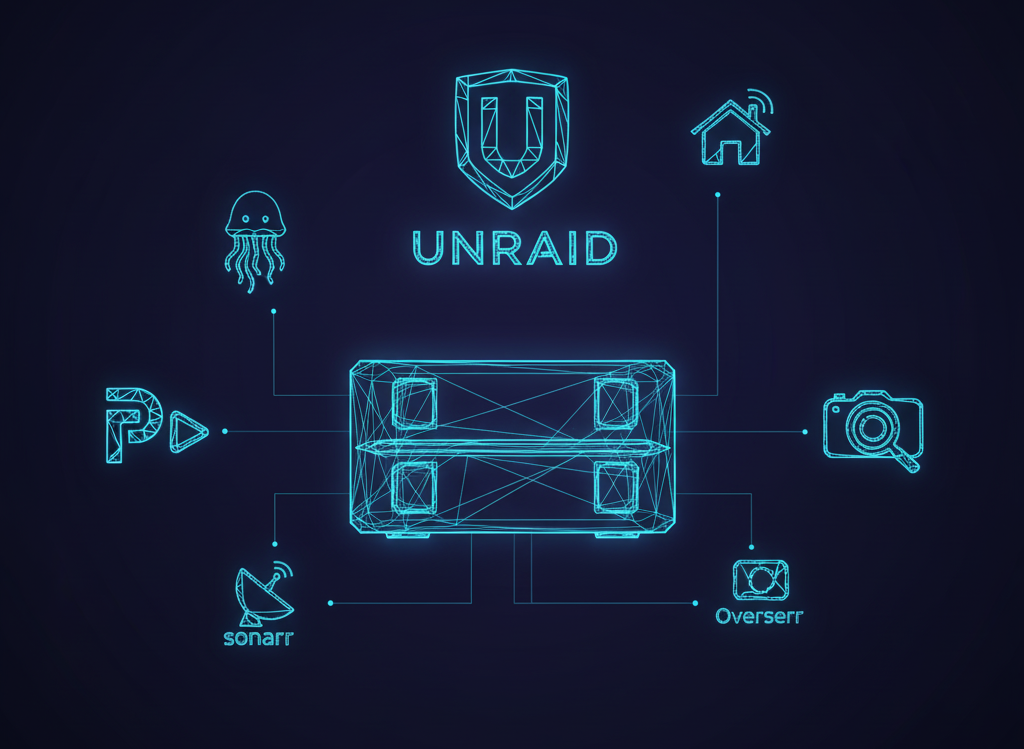
- Picking the Right OS: We’ll compare major NAS and home lab operating systems (unRAID, TrueNAS, Proxmox) and I’ll explain why I landed where I did.
- Automating Media with the ARR Stack: I’ll show you how I connected tools like Sonarr and Radarr to make media downloads hands-off and reliable.
- Network, VPN, and Security Basics: The essentials for keeping home services safe but accessible.
- Monitoring and Visualization: Building dashboards and alerts using open-source tools like Grafana and Prometheus.
- Advanced Projects and Lessons Learned: Hosting game servers, automating tasks, scaling up, and everything in between.
Who Should Follow Along?
This series is for anyone interested in learning about:
- Self-hosting, privacy, and DIY infrastructure
- Building robust storage platforms
- Modern automation for home or small business
- Troubleshooting, monitoring, and evolving technical systems
Whether you’re starting from scratch or looking to level up your own lab, you’ll find practical advice, example setups, and honest accounts of what worked and what didn’t.
What’s Next?
In the next post, I’ll lay out my goals for the project and dive into the planning and research that set the foundation for the build.
Stick around—this is going to be a fun (and sometimes bumpy) ride.
Introduction to NAS and Homelabs
- What is a NAS? What is a home lab?
- Why build a home lab – motivations, benefits, and use cases
- Overview of the journey ahead
Planning and Component Selection
- Needs assessment: Storage, compute, expandability
- Choosing a case (size, drive bays, airflow, noise)
- Motherboard criteria: chipset, expansion, IO, form factor
- Key supporting hardware (CPU, RAM, PSU, cooling)
Storage Strategy and Disk Decisions
- HDD vs SSD: Pros and cons for a NAS
- RAID concepts, ZFS, and alternatives
- Noise, heat, and power considerations
Operating System Showdown: unRAID, TrueNAS, and Proxmox
- Feature breakdown and comparison table
- Why choose each platform? Licensing and community support
- Walkthrough: My actual decision and install experience
ARR Stack Deep-Dive: Automating Media
- What is the ARR stack (Sonarr, Radarr, Lidarr, qBittorrent)?
- How automation works: environment design and API utilization
- Step-by-step setup and issue troubleshooting
Networking, VPN, and Access Controls
- Network architecture basics for homelabs
- Secure remote access: VPN solutions and firewall design
- Isolating services for safety
Monitoring, Visualization, and Alerts
- The importance of monitoring: Grafana, Prometheus
- Building dashboards and tracking resource usage
- Alerting strategies for hardware and service failures
Advanced Services and Integrations
- Game server hosting, AI agents, home automation hooks
- Benefits and caveats of containerized apps (Docker setups)
- Performance tweaks and fun experiments
Maintenance, Upgrades, and Lessons Learned
- Backups and disaster recovery plans
- Strategies for scaling up or migrating
- Reflections and advice for new builders