
Home Lab NAS Build Part 2: Storage Strategy and Disk Decisions
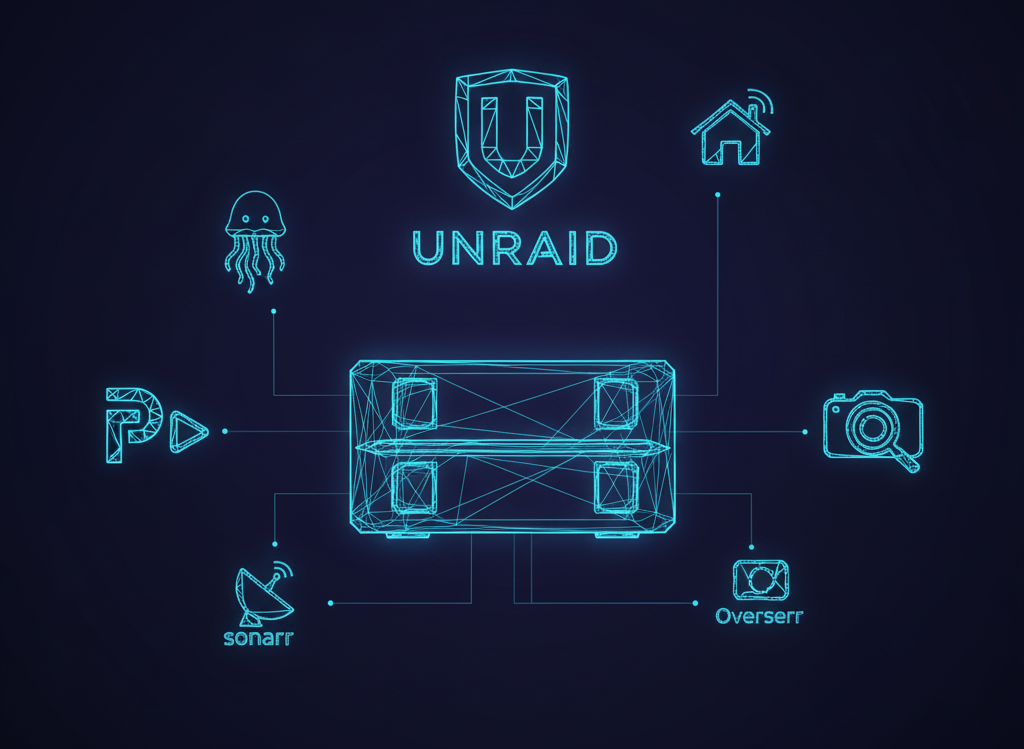
Storage Wars: HDD vs SSD and the Quest for the Perfect NAS
Hey there, fellow home labbers! In my previous post, we talked about the basics of building a NAS, but now it's time to get our hands dirty with the fun stuff – storage! You know, the backbone of any decent NAS.
When it comes to choosing the right storage for your NAS, you're faced with a dilemma: HDD (Hard Disk Drive) or SSD (Solid-State Drive)? It's like choosing between a reliable, old friend and a flashy, new sports car. Both have their pros and cons, and it ultimately comes down to your specific needs. HDDs are like the tortoise – slow and steady, but they'll get the job done. They offer massive storage capacity at a lower cost per GB, making them perfect for storing large files like videos and backups. On the other hand, SSDs are like the cheetah – fast, agile, and perfect for applications that require quick access to data, like your Plex library.
RAID Concepts and ZFS: The Ultimate Storage BFFs
Now, let's talk about RAID (Redundant Array of Independent Disks) concepts. Imagine you're at a music festival, and you want to make sure your favorite band's performance is recorded from multiple angles. That's basically what RAID does – it combines multiple disks into a single, logical unit, providing redundancy and improving performance. There are several RAID levels, each with its own strengths and weaknesses. For example, RAID 0 is like a high-performance sports car – fast, but lacking in safety features. RAID 1, on the other hand, is like having a trusty sidekick – it provides redundancy, but at the cost of storage capacity.
Then, there's ZFS (Zettabyte File System), the ultimate storage BFF. ZFS is like a super-smart, über-reliable storage manager. It provides a plethora of features, including data compression, deduplication, and snapshots, making it a popular choice among storage enthusiasts. However, it's not without its drawbacks – ZFS can be resource-intensive and requires a significant amount of RAM to run smoothly.
Noise, Heat, and Power: The Unholy Trinity of Storage
When building a NAS, it's essential to consider the noise, heat, and power consumption of your storage devices. You don't want your NAS to sound like a leaf blower or heat up like a nuclear reactor. HDDs, in particular, can be noisy and power-hungry, while SSDs are generally quieter and more energy-efficient. It's like choosing between a V8 engine or a hybrid – both have their advantages and disadvantages.
In my personal experience, I've found that Seagate and Western Digital drives are generally reliable and quiet. However, it's crucial to do your research and read reviews before making a purchase. I once bought a knock-off Samsung SSD that never mounted properly – it was pretty much DOA. Let's just say it was a frustrating experience, and I ended up with a expensive paperweight. Don't go on eBay at 2am.
UnRAID's Parity System: A Middle Ground
So, what's the solution to the storage conundrum? Enter UnRAID, a popular NAS operating system that offers a unique parity system. It's like having a safety net for your data – UnRAID uses a bitwise XOR logic to calculate parity information, which is then stored on a separate disk. This allows for redundancy and data protection without the need for traditional RAID configurations. It's a great middle ground for those who want the benefits of RAID without the complexity.
The XOR logic works by performing a binary operation on the data, where each bit is compared to the corresponding bit in the parity information. If the bits are the same, the result is 0; if they're different, the result is 1. This process is repeated for each bit in the data on all drives in the array, creating a parity block that can be used to reconstruct the original data in case of any one of those disks failing. It only requires that the Parity drive be of equal size or larger than all other disks in the array.
Secondary Market: A Treasure Trove of Storage Deals
When it comes to buying storage devices, the secondary market can be a treasure trove of deals. I recently found 16TB Exos drives for a great price on eBay from a reputable seller. It's like finding a gold nugget in a stream – you have to be careful and do your research, but the rewards can be significant. However, buyer beware – not all sellers are reputable, and you don't want to end up with a lemon.
In conclusion, building a NAS is all about finding the right balance between storage capacity, performance, and reliability. Whether you choose HDDs, SSDs, or a combination of both, it's essential to consider the noise, heat, and power consumption of your devices. UnRAID's parity system offers a great middle ground for those who want redundancy without the complexity of traditional RAID configurations. And, if you're lucky, you can find some amazing deals on the secondary market – just be sure to do your research and buy from reputable sellers. Happy building, and may the storage odds be ever in your favor!
Some recommended reading and resources:
- RAID on Wikipedia
- ZFS on Wikipedia
- UnRAID official website
- Seagate official website
- Western Digital official website
- eBay official website
Stay tuned for the next post in the NAS build series, where we'll dive into the world of networking and explore the best ways to connect your NAS to the internet. And, as always, remember to keep your Plex library up to date – you never know when you'll need to binge-watch your favorite shows to escape the chaos of the world.